OnlyAudio: a cross-platform audio player with Android remote control
OnlyAudio is a modern, lightweight audio player compatible with Windows, macOS and Linux. It stands out with a rare feature: an Android remote control that lets you control playback remotely over the local network.
Why did I build OnlyAudio?
I wanted an audio player that was simple, fast, enjoyable, and above all controllable from a smartphone. L
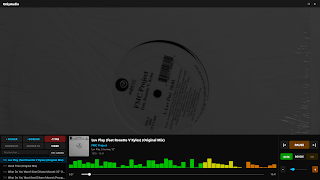
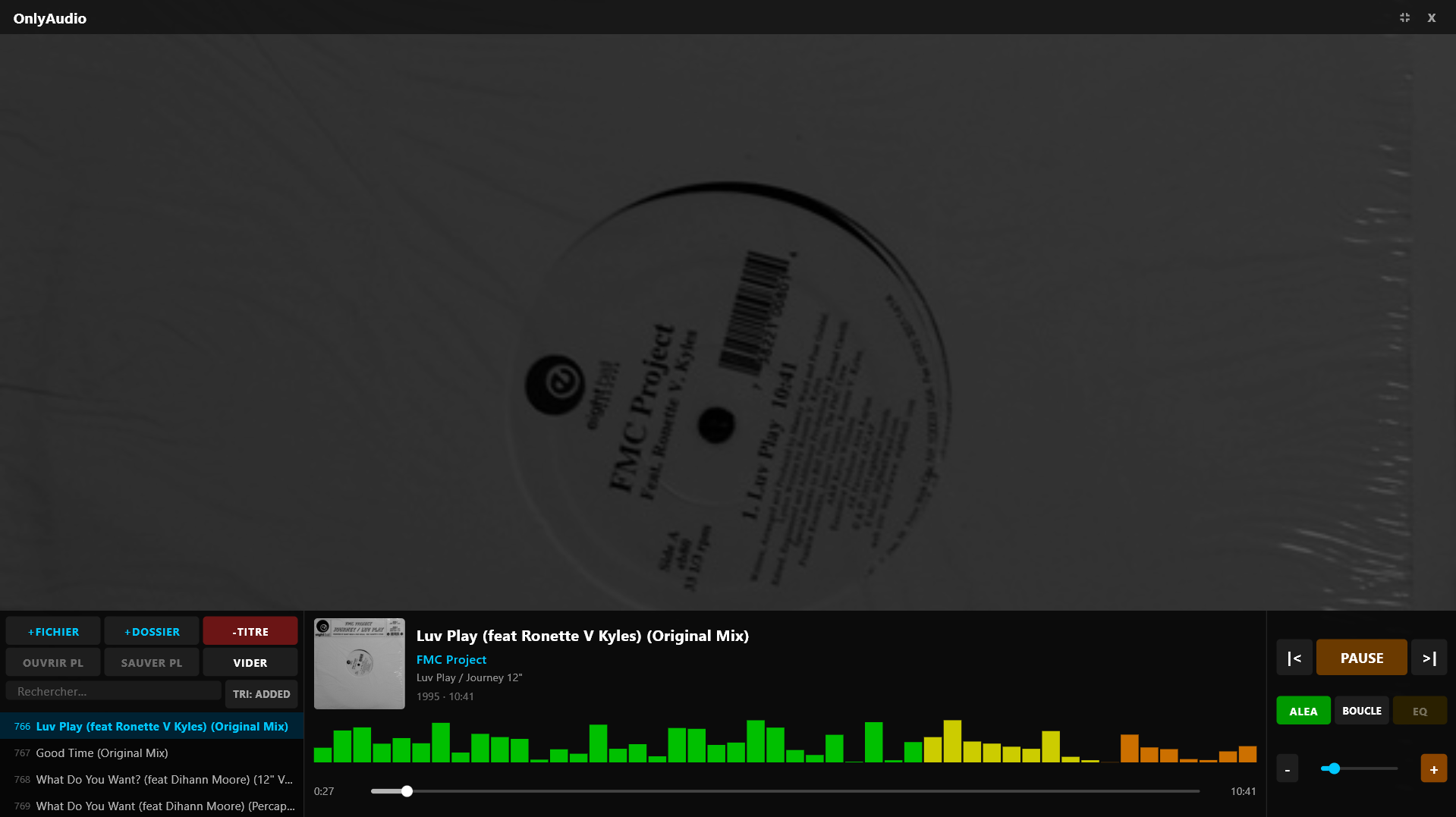
OnlyAudio Desktop: a modern audio player
- Smooth playback (MP3, FLAC, WAV, OGG, AAC, M4A)
- Full metadata display
- Playlist with shuffle & repeat
- Progress bar with precise seeking
- Volume control
- Fullscreen mode
- Elegant dark interface
- Dual‑player pre‑buffering for instant track switching
- Windows installer with automatic updates
Installation
- Windows: .exe installer
- macOS: .zip archive
- Linux: AppImage
Android remote control: control your music from the couch
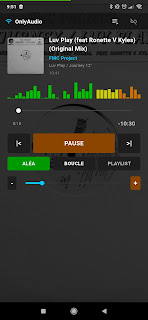
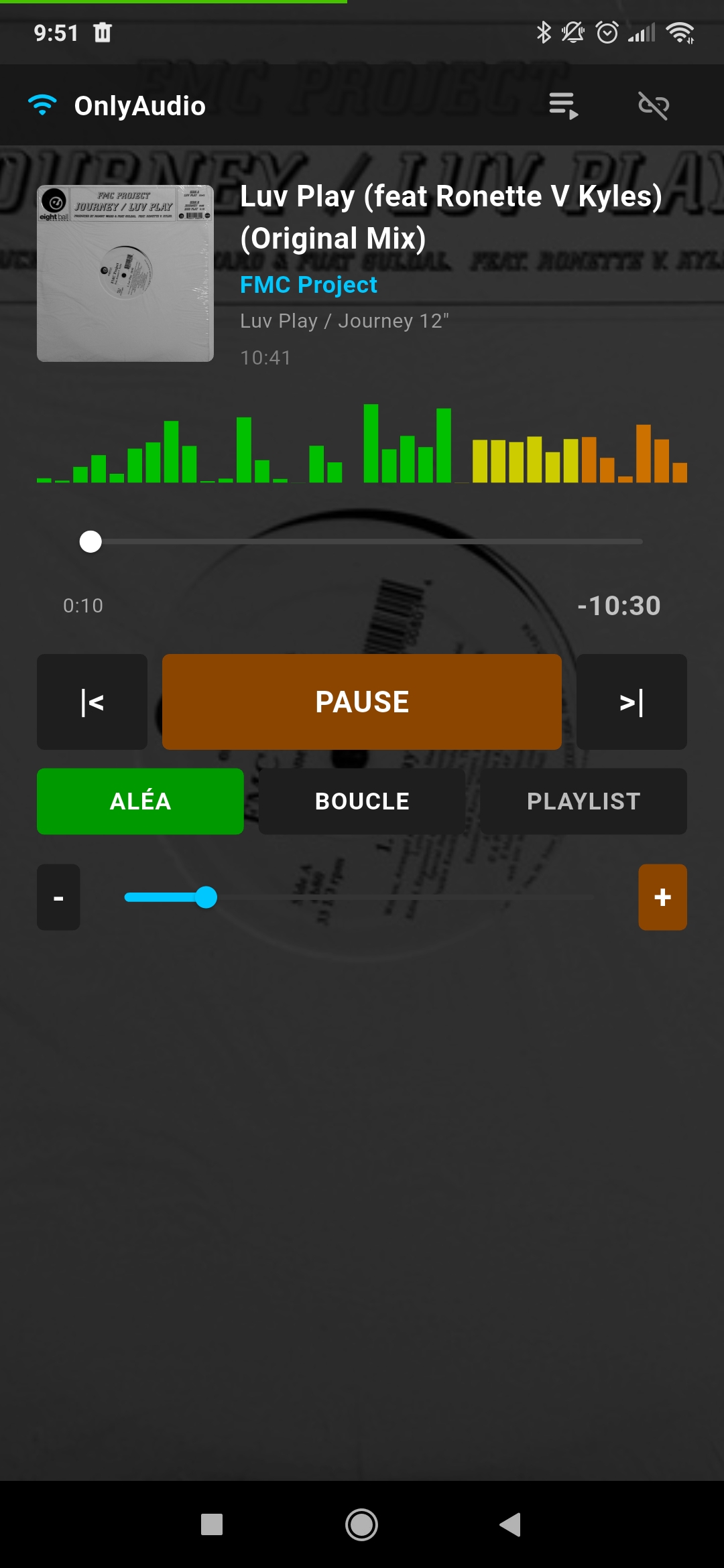
The Android app lets you control the player over the local network. It automatically discovers the server and displays playback information in real time.
- Play / pause
- Next / previous track
- Shuffle & repeat
- Volume control
- Cover art and metadata display
- Android notification with media controls
- Playlist navigation
Communication via REST API
OnlyAudio embeds a local HTTP server that the remote control sends commands to.
GET /status
POST /play_pause
POST /next
POST /vol_up
GET /playlist
GET /discover
Tech stack
- Desktop: Flutter, Dart, media_kit (libmpv)
- Android: Flutter, Dart, audio_service
- Communication: REST API (JSON)
- Windows Installer: Inno Setup
Building OnlyAudio
Windows
flutter pub get
flutter build windows --release
macOS
flutter pub get
cd macos && pod install && cd ..
flutter build macos --release
Linux
flutter pub get
flutter build linux --release
Android
cd remote_app
flutter build apk --release
FAQ
Is OnlyAudio free?
Yes, the project is entirely open‑source.
Does the Android app work offline?
Yes, it communicates locally over Wi‑Fi.
Can I contribute?
Yes, all contributions are welcome.