Securely connecting two remote local networks is a fundamental use case in network administration. Something I'd always seen as an operation reserved for large enterprises, I set up in a pfSense lab with WireGuard — and the most useful lesson came from something I'd overlooked.
Why WireGuard on pfSense?
WireGuard stands out for its minimalist design: less code, a smaller attack surface, and better performance than OpenVPN or IPsec. Its configuration rests on a simple principle — exchange public keys between the two endpoints and declare the allowed subnets. Where IPsec has you juggling Phase 1, Phase 2, and encryption options that are sometimes incompatible between implementations, WireGuard gets a tunnel up in a few minutes.
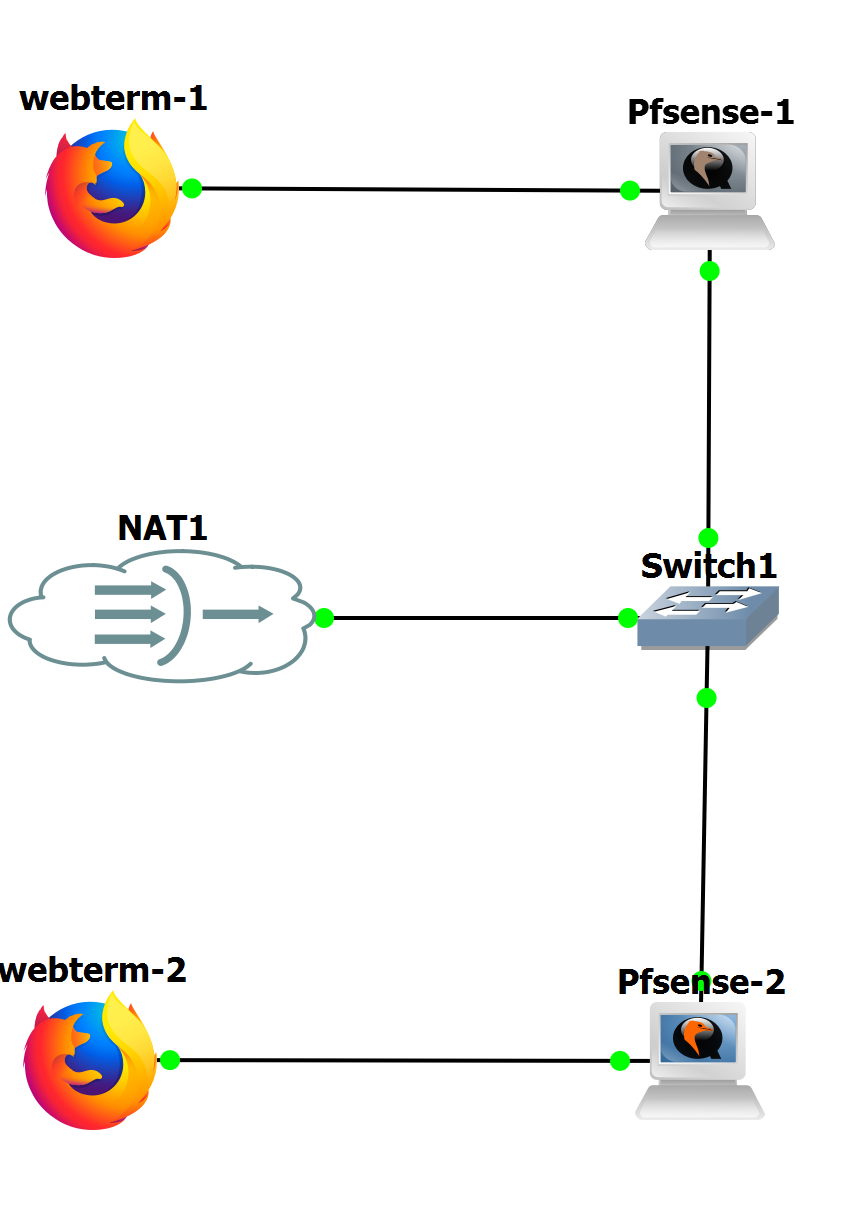
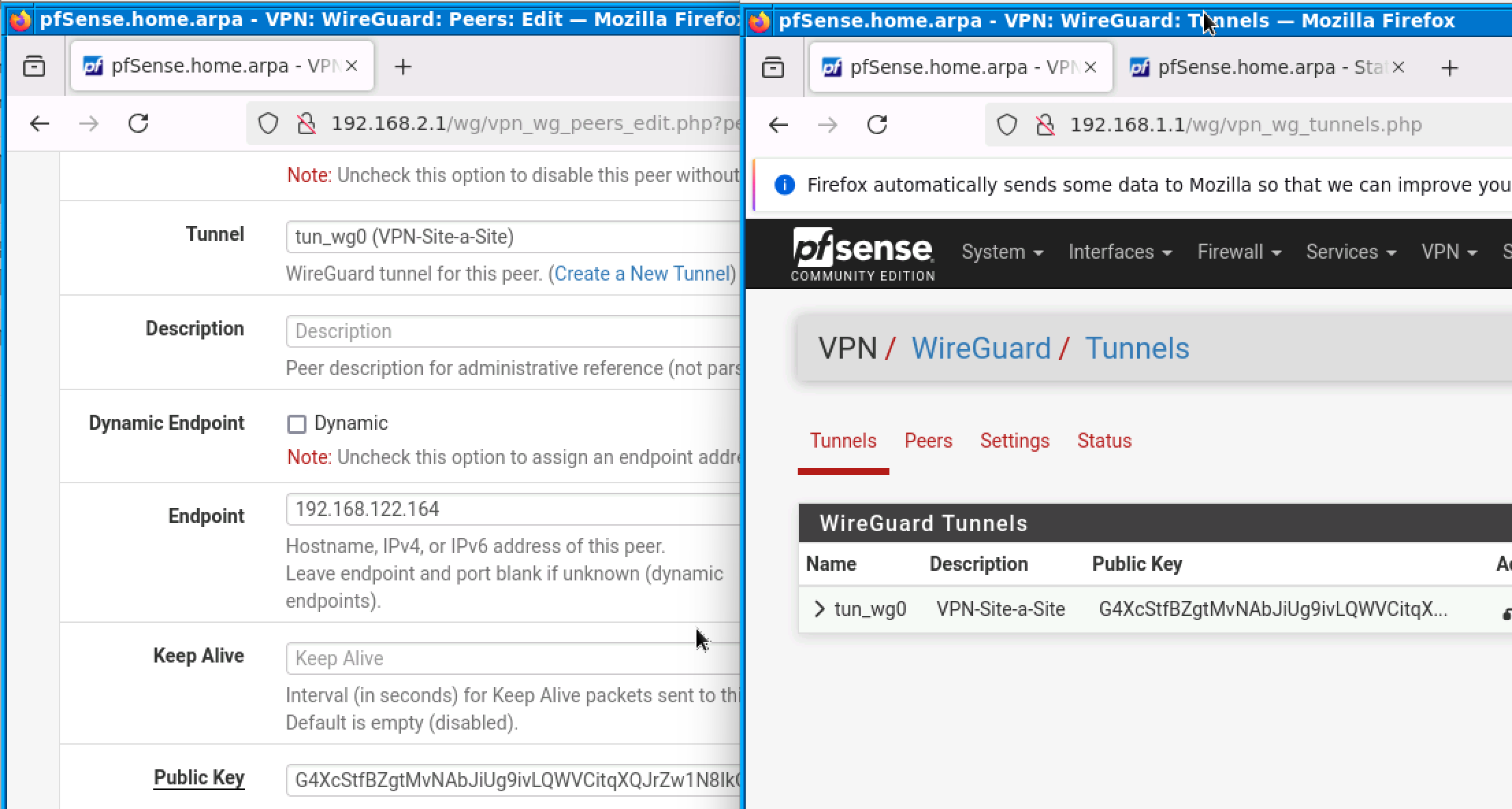
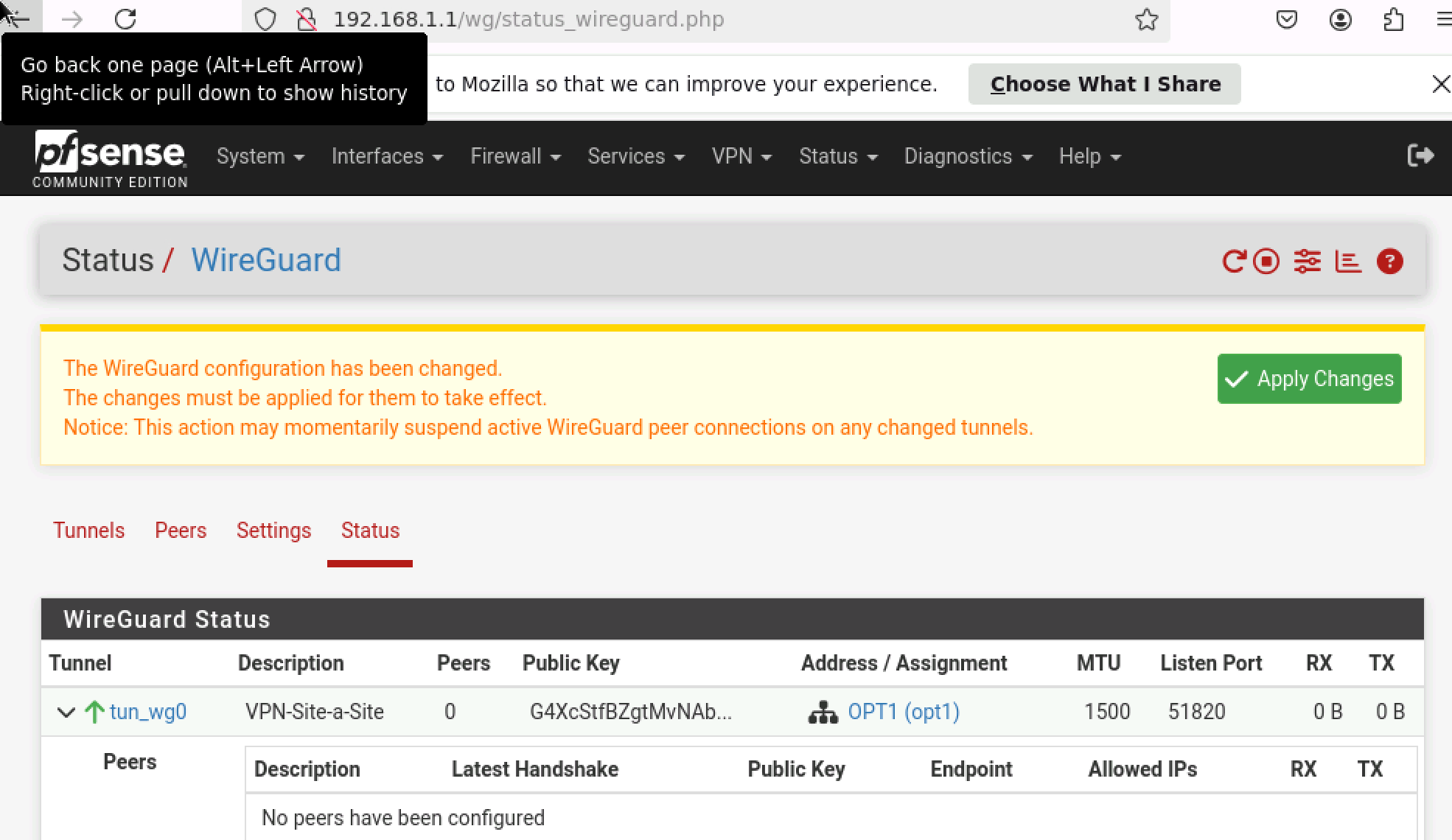
The classic mistake: confusing a tunnel with a route
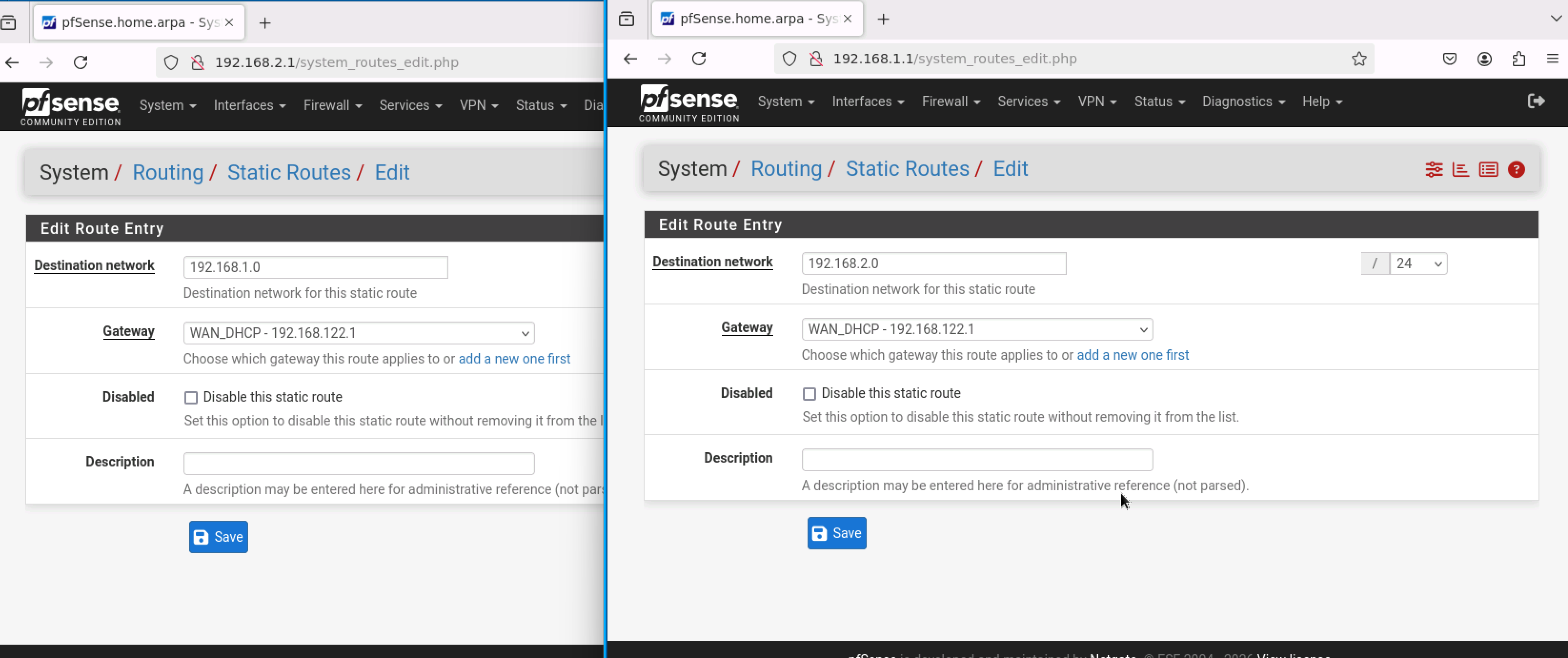
The tunnel came up without any trouble. Both pfSense boxes exchanged their keys, the handshake succeeded — but the machines on the two LANs still couldn't see each other. The explanation: creating a tunnel and creating a route are two separate operations. By default, pfSense sends all traffic to its Internet gateway. For traffic bound for the remote LAN to take the tunnel, you have to explicitly create a WireGuard gateway and a static route pointing to it. Obvious once you understand it, but it easily costs you a good hour of debugging.
Keep Alive: a small detail that changes everything behind a NAT
Second counter-intuitive point: behind a NAT (common in a lab or at home), a WireGuard session can close silently if no traffic flows. The NAT expires its entry, and reconnection takes a while. A 25-second Keep Alive maintains a minimal amount of traffic that prevents that expiration — without it, you get random disconnections that are hard to reproduce.
The firewall: the last layer to unblock
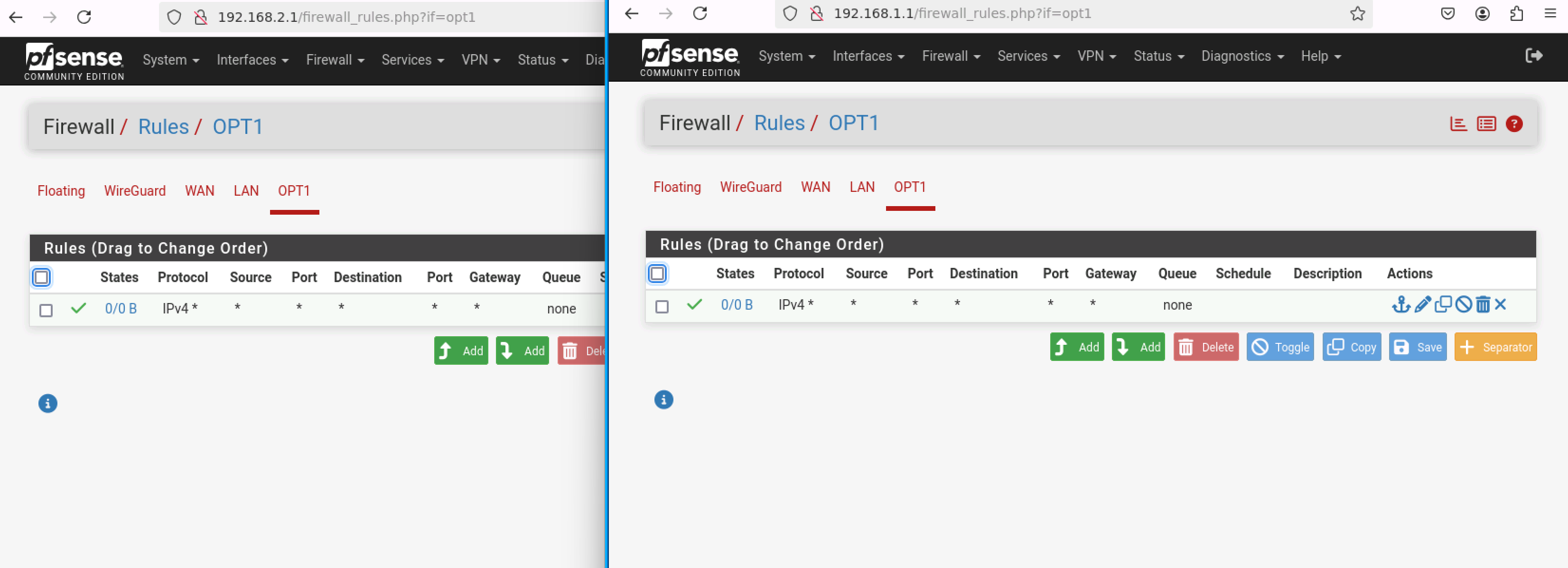
pfSense operates in independent layers: network, routing, filtering. Even with a working tunnel and correct routing, the firewall blocks incoming traffic on the WireGuard interface by default. Adding a Pass rule on that interface completes the chain. In production, you'd restrict it to specific subnets; in a lab, a broader rule first lets you validate the flow end to end.
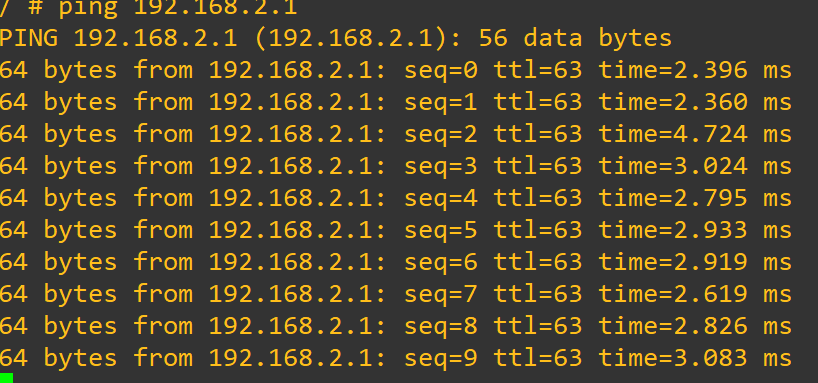
Inter-site connectivity is confirmed with a simple ping between the LAN gateways. This lab is a good reminder that security and connectivity come together layer by layer — and that each layer can mask another one that's misconfigured underneath.