In the world of network administration, there's an unspoken rule: the lab is where you learn the most, especially when nothing works as planned.
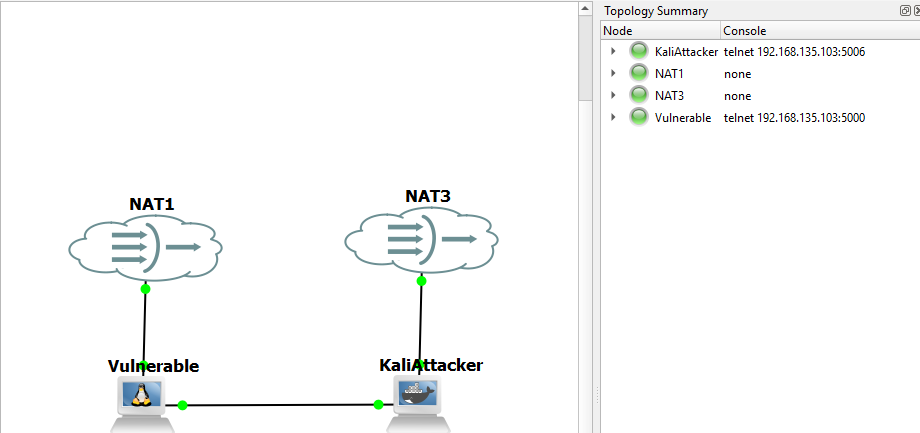
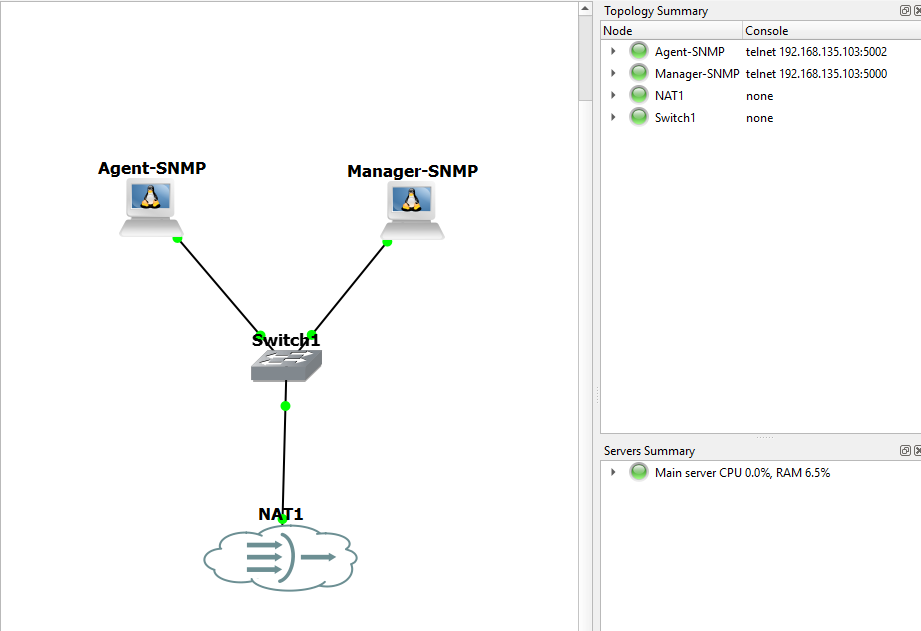
This week, I spent my evenings taming a complex network environment in GNS3. Between connectivity issues, temperamental virtual network interfaces, and configuration challenges, I got a real taste of what fieldwork is like. But after the cold sweats came the satisfaction: successfully completing my SNMP configuration exercises.
Why SNMP?
The SNMP (Simple Network Management Protocol) protocol is, for any network administrator, what eyes and ears are to the human body. Without it, a network is a "black box". Knowing how to configure SNMP on Cisco equipment means moving from being an observer to being an active manager of your infrastructure.
The victory behind the complexity
Successfully configuring SNMP isn't just a matter of command lines. It's about understanding the mechanics that link the Manager (your monitoring station) and the Agent (your switch/router).
Here are the key points I validated during this exercise:
Security first: Understanding the importance of setting strong community strings to prevent unauthorized access.
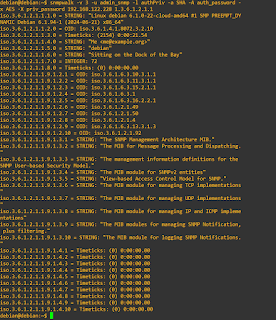
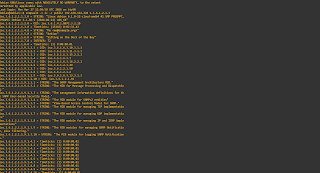
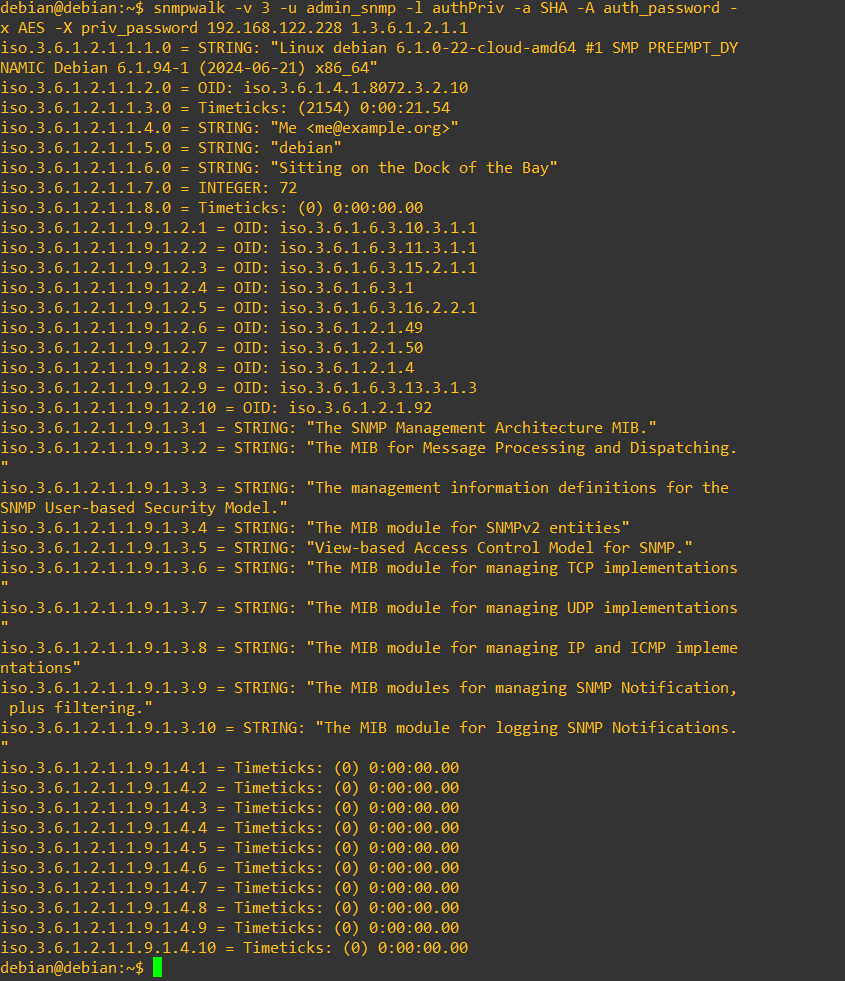
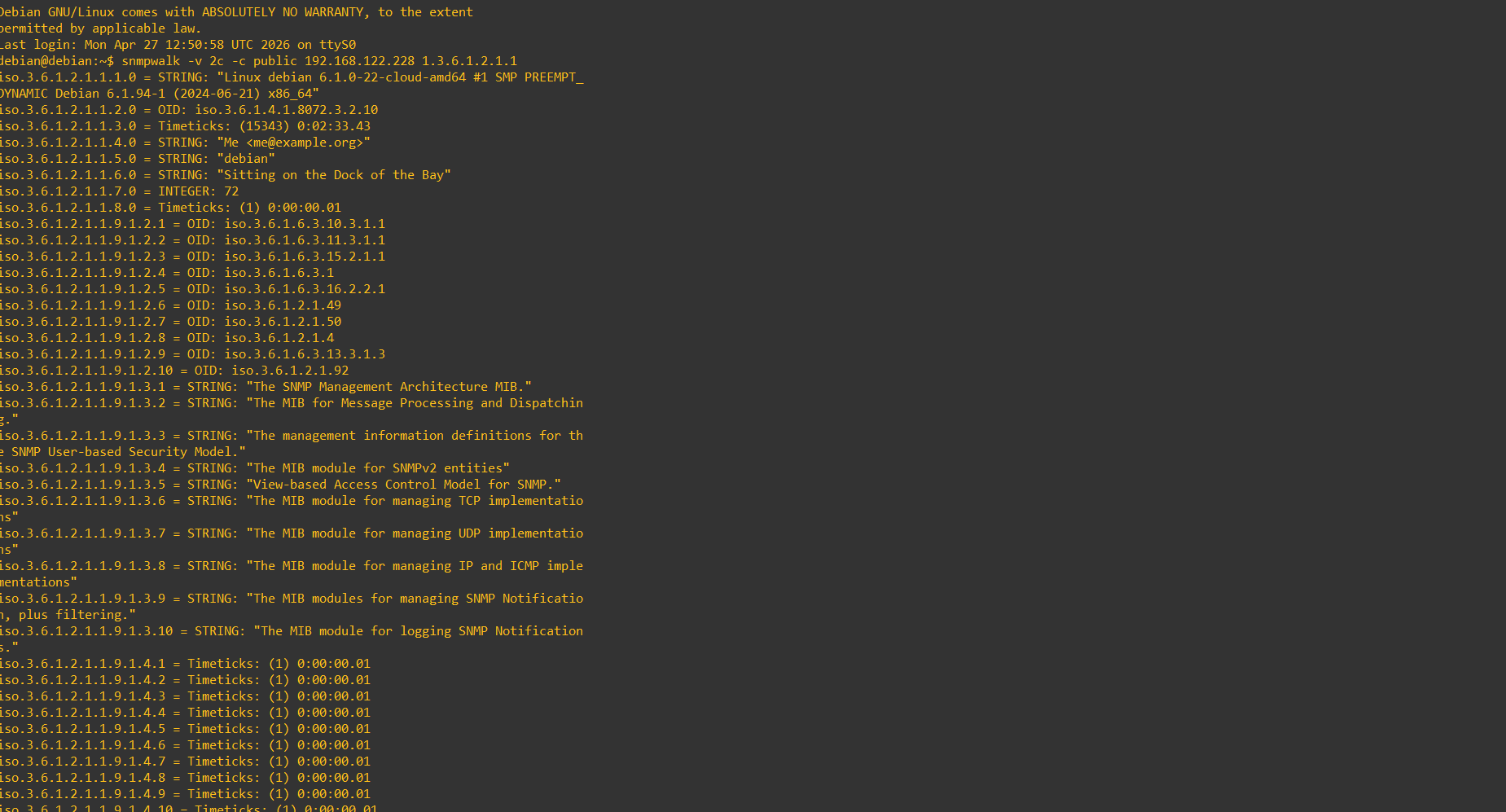
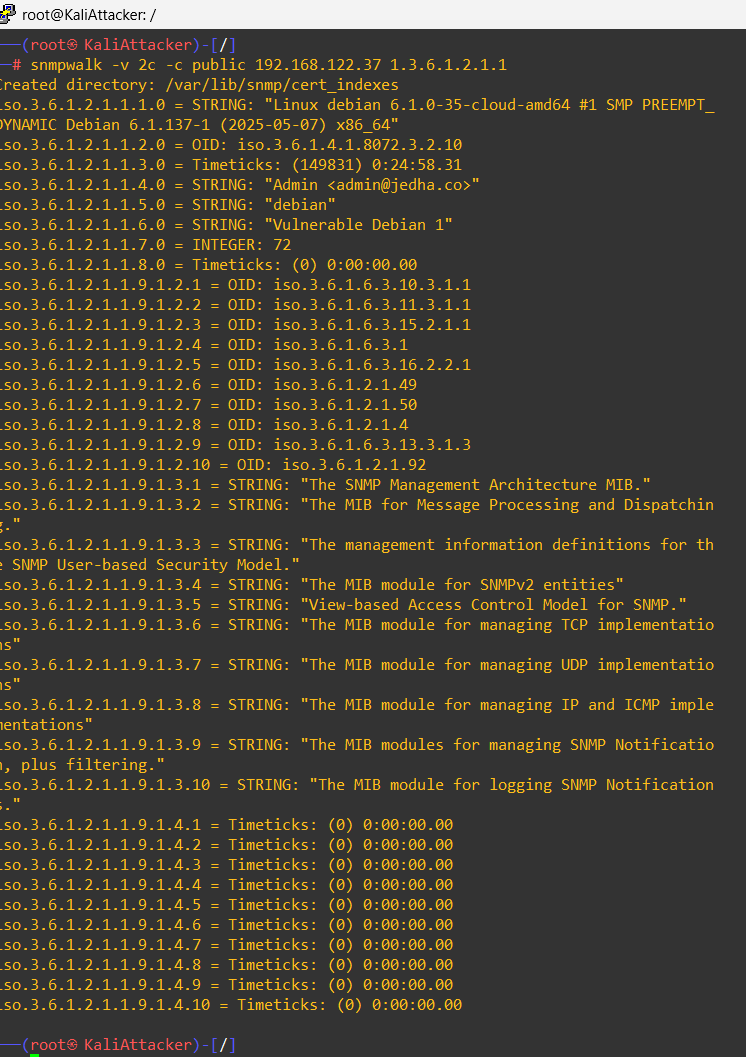
Visibility: Verifying that information (OID, port status, CPU load) is correctly reported back to the monitoring station.
Resilience: Learning to troubleshoot communication between the equipment and the manager when the firewall or routing blocks the flow.
What I learned (beyond the technical side)
The most important lesson from this session wasn't the snmp-server community command, but managing frustration. Working on virtualized systems demands infinite patience.
When I first saw my switch's data show up on my monitor, it wasn't just "it works". It was proof that, despite the Network is unreachable errors, the stuck dhclient processes, and the stubborn config files, persistence eventually pays off.
Closing thoughts
If you're getting into automation or network administration, don't get discouraged when your lab tools refuse to cooperate. It's precisely in those moments that you build your expertise. Once you know how to configure SNMP under the constraints of an unstable lab, doing it in a company on real hardware becomes a formality.
Next step? Automating the collection of this data via Ansible scripts... but one thing at a time!