After weeks fighting VMware's sluggishness, I decided to change everything. Here's the story of my migration to **WSL2** and how this new setup let me crush a privilege-escalation lab in record time.
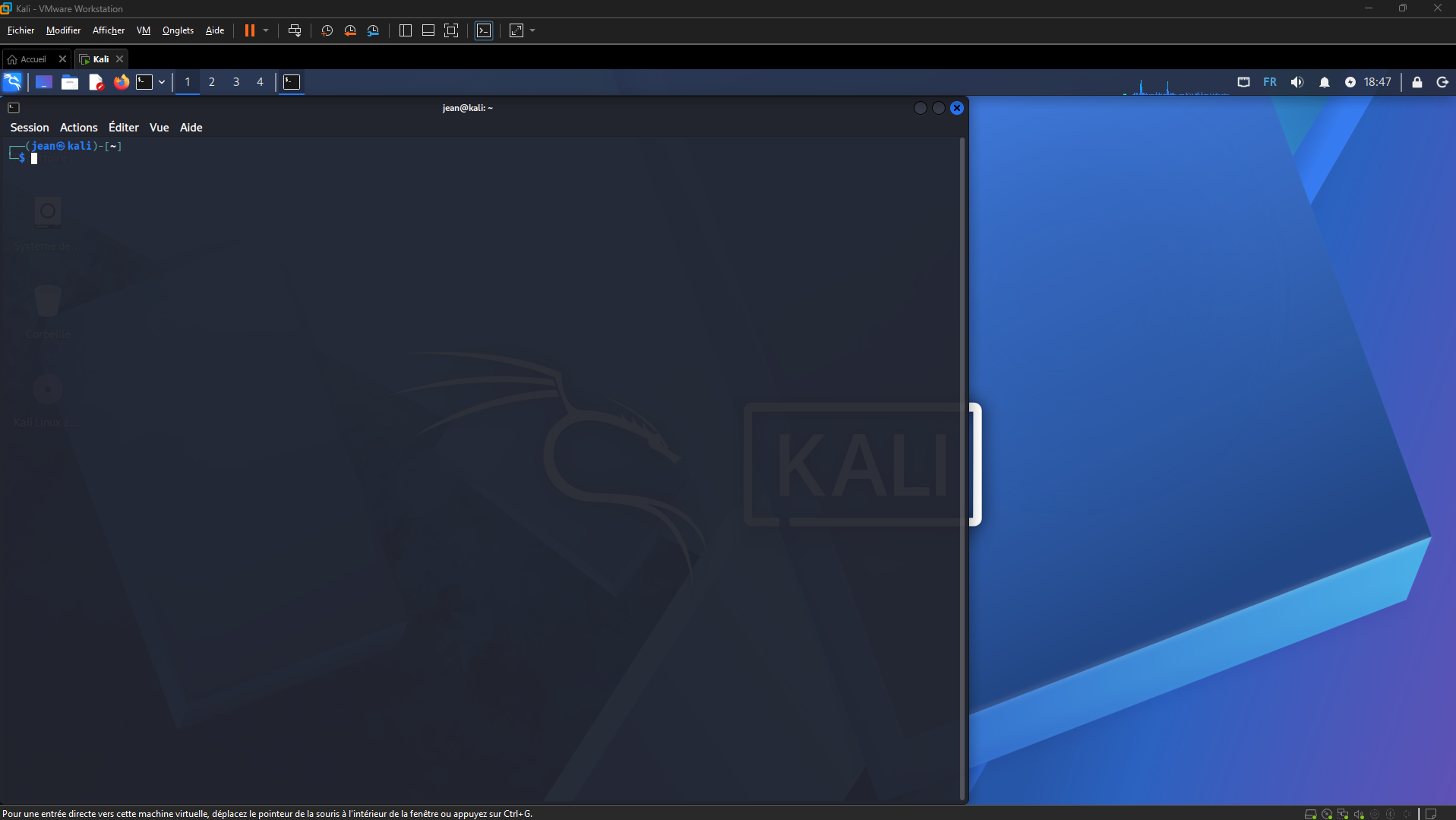
## 🛠 Why I killed my virtual machine (VM)
Let's be honest: VMware is heavy. Between the RAM hogging and the display bugs, my workflow was broken.
By switching to **WSL2**, I got back:
- Native integration with Windows.
- Dynamic CPU/RAM performance.
- An ultra-fast terminal.
## 🏗 The "Cold War" setup
To be ready, I installed the full arsenal directly in my Ubuntu terminal:
1. **WireGuard** for the VPN tunnel.
2. **Docker & Compose** to run my labs locally.
3. **Jedha-CLI** to drive it all.
*No more superfluous windows. Just me and the shell.*
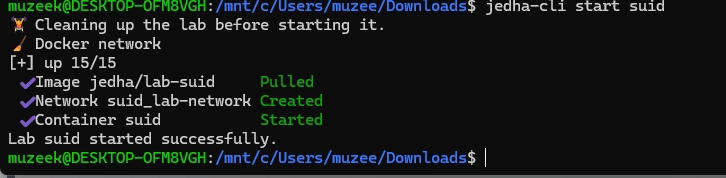
## 🕵️♂️ Case study: The SUID flaw
To test my new toy, I attacked the **SUID** lab. The goal? Become `root` on a target machine.
### The weak link
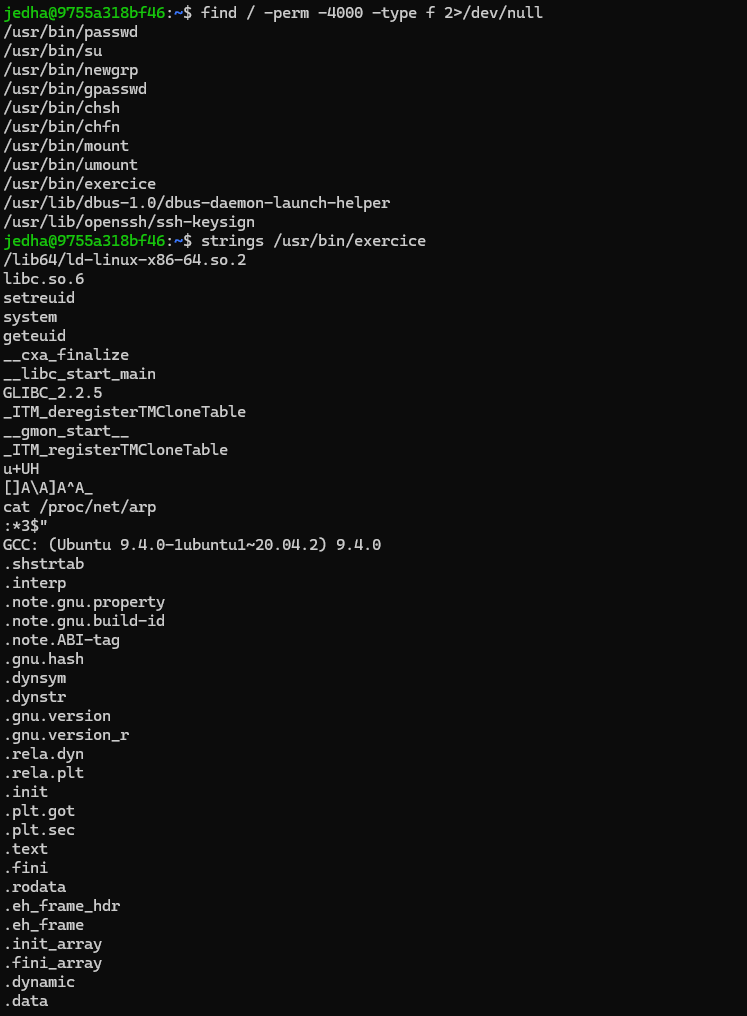
Using `find`, I flushed out a strange binary: `/usr/bin/exercice`. This little program has the SUID bit set, which means it runs with the boss's privileges.
### The finishing blow
Analyzing the binary with `strings`, I saw it called the `cat` command without specifying where it was located.
**Fatal mistake.**
I created my own `cat` in `/tmp` that spawns a shell, modified my `PATH`, and ran the program.

**BAM! Root shell obtained.** Flag: `jedha{SUID_4nd_Path_H1jacking_1s_F4t4l}`
## 💡 Closing thoughts
Cybersecurity is 50% technique and 50% tooling. With a smooth environment under WSL2, you get to focus on what matters: enumeration and exploitation.
**What about you, still on VMware?** 😉